CCCOLUMNS
I’m a huge nerd for notes. A long time ago, I learned not to trust my memory, so everything that comes to mind and needs to be remembered goes into a note. There’s this idea that the brain is an excellent processor and a very shitty storage solution. I fully subscribe to that notion.
I already use a system in Apple Notes, heavily based on Forever Notes by Matthias Hilse, but very distilled and simplified. However, I wanted an even more immediate quick-note system that was always up front and ready, so I made just that.
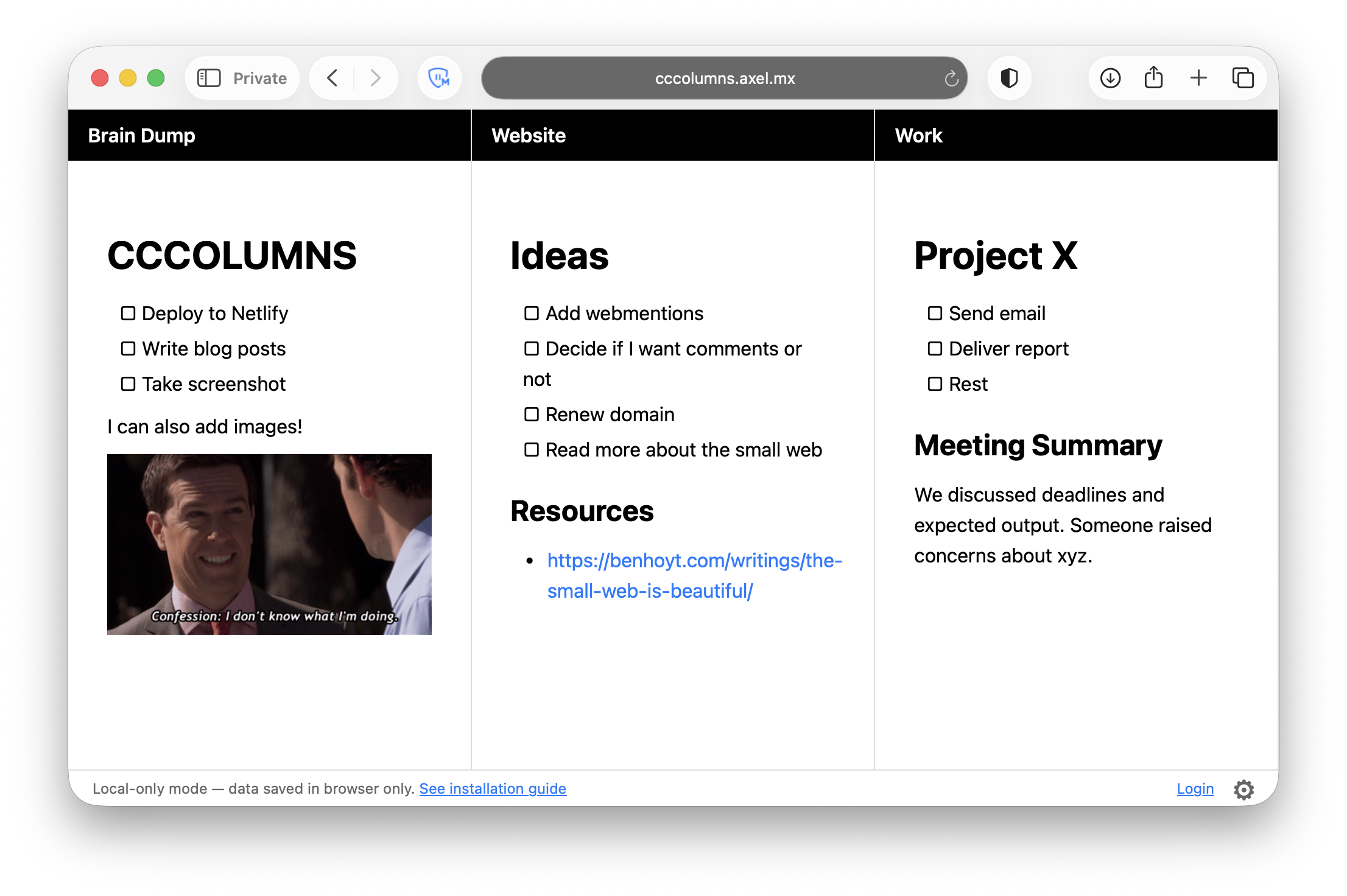
CCCOLUMNS is a single-page app that divides the viewport into N columns. Each column has a title, and the rest of the column is a note. You can switch between viewing and editing notes with a keyboard shortcut or by double-clicking anywhere on the page. After editing, you hit Escape and everything’s saved.
The app has a settings modal where you can add, remove, and reorder columns. There you can select how many columns are visible in the viewport, but later I also added a quick switch for this using number keys while in view mode. The columns that aren’t in view are accessible by scrolling horizontally.
The content of the notes uses Markdown syntax (with a few customizations that make my life easier) and is rendered as HTML when in view mode.
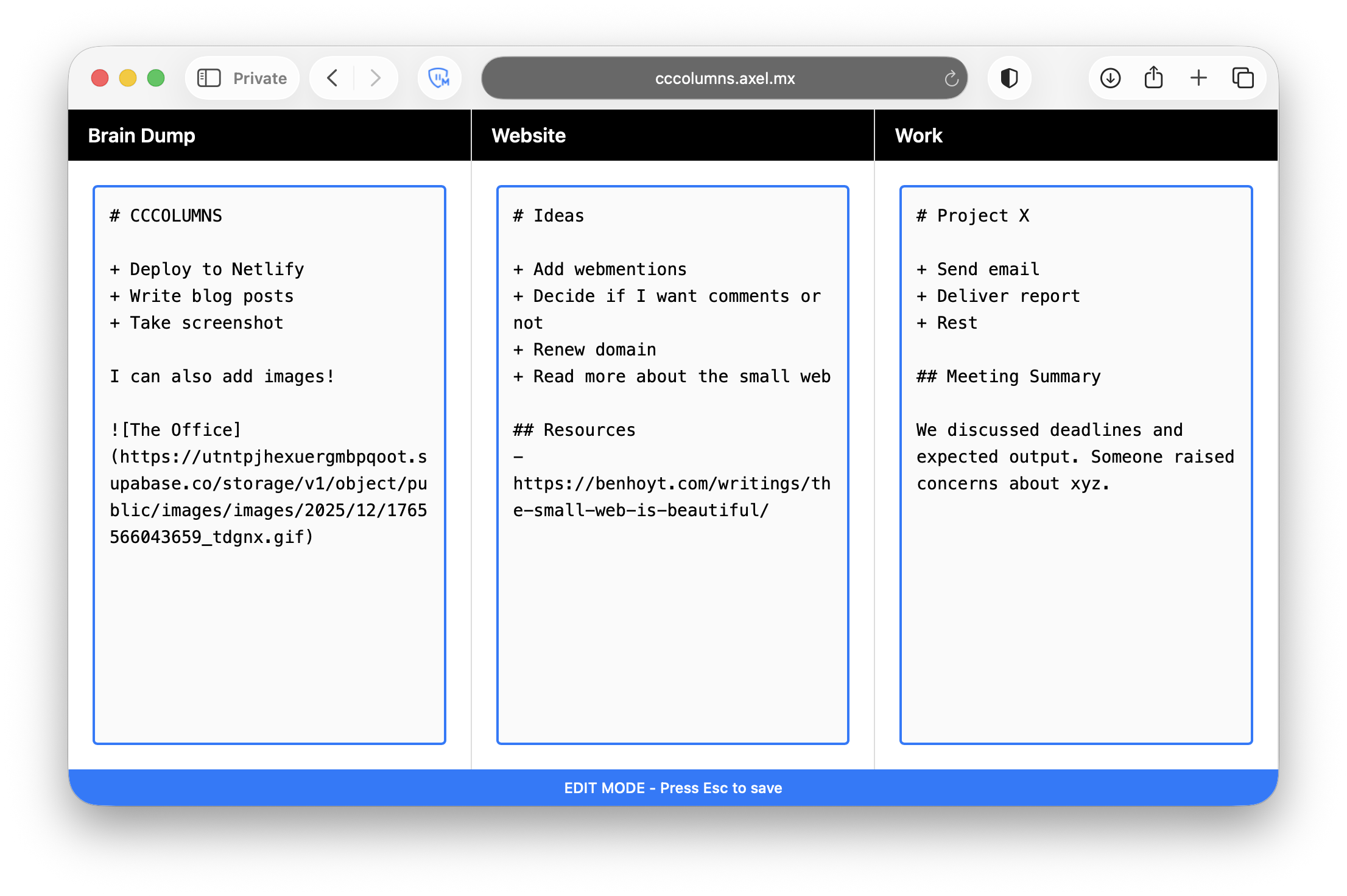
At first, everything was saved only locally in the browser. But since I use two computers, I wanted them to be synced, so I changed it to save to a JSON file in a private GitHub repository, and I added a repository credentials tab in the settings modal. When credentials are not configured, it still saves to local storage.
And that’s it. I’ve been using CCCOLUMNS for about half a week, and it’s been extremely helpful during the day. Any content that isn’t discardable at the end of the day gets migrated to my Apple Notes system, and everything that’s no longer useful gets manually discarded.
It’s obviously not perfect. I’m not handling multiple sources updating the data file, and if one computer’s sync doesn’t go through and the other updates the file later, content is going to be lost. But for now, it serves me fine. I’ll try to address those issues later, when I have time to nerd out about it.
You can try CCCOLUMNS here, or see the repo and deploy your own instance easily.
This is a post about a tool I made using AI. Here's the context.